
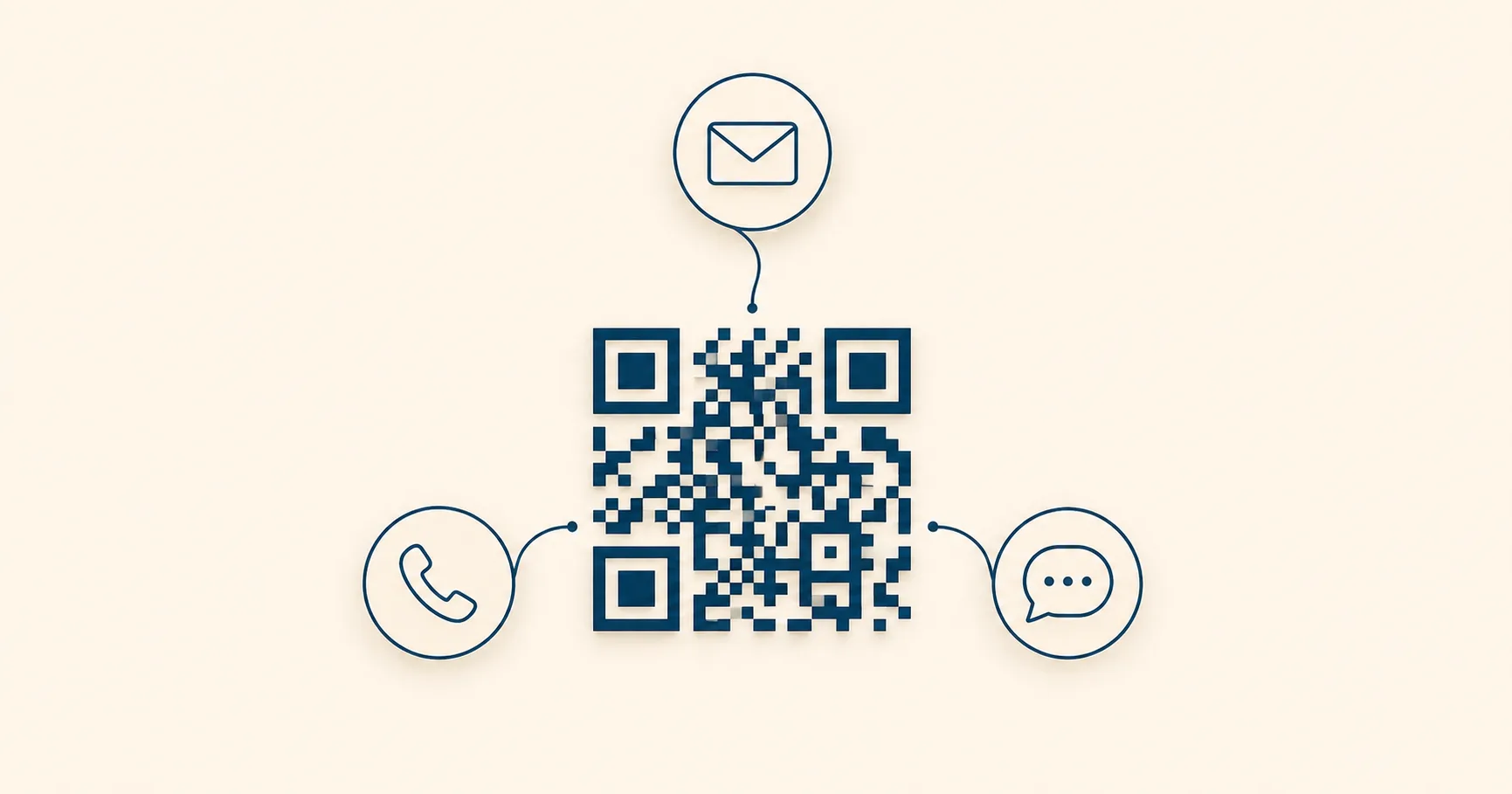
Most QR codesA 2D matrix barcode that encodes data in a square grid of black and white modulesA single black or white square in the QR grid. The number of modules per side scales with the QR versionThe size of a QR code, numbered 1 (21×21 modules) through 40 (177×177). Higher versions store more data but require more printed space. Read more →, from 21×21 modules for version 1 up to 177×177 for version 40. Read more →. Read more → you’ll see in the wild open a website. But for businesses where the next step is a phone call, a text, or an email, sending the user to a webpage with a “contact us” button is one click too many. Direct-action QRs (tel:, sms:, and mailto:) drop the user straight into the dialer, the messaging app, or the email composer with everything pre-filled.
The result is a substantially shorter path from scan to action. The trade-off is that you’re committing to a single channel at print time, so picking the right one for the moment matters.
Which action type is right?
Phone QR codes (tel:)
A tel: QR drops a number into the phone’s dialer when scanned. The user still has to tap “call.” No scan ever auto-dials, on iOS or Android, so the use case is removing the friction of typing, not removing consent.
Best for situations where the next step is genuinely a phone call: a locksmith’s emergency sign, a clinic’s appointment line, a real-estate agent’s yard sign, a hotel front-desk card, a service business’s call-back number on field paperwork.
Example payload:
tel:+14155552671The most common mistake is encoding a domestic-format number without the country code. A US-only (415) 555-0123 works fine for someone in San Francisco, but the same QR on a brochure handed out at an international trade show fails silently for any non-US visitor. Always include the + and country code: tel:+14155550123.
Extensions need a comma pause: tel:+14155550123,,1234. Each comma adds roughly a two-second pause after the call connects, then dials the extension digits.
Sample copy that works above the code: “Scan to call now,” “Need help? Scan to call support,” “Scan to reach the front desk.” Avoid generic “Contact us.” Be specific about what happens. Generate a phone QR from the phone-to-PNG generator.
SMS QR codes (sms:)
An sms: QR opens the messaging app with a number and an optional pre-filled message body. The user reviews the text and taps send. SMS works well in three specific scenarios:
- Noisy or quiet environments where a call would be inconvenient: gyms, libraries, manufacturing floors, late-night signage.
- Multitasking users who’d prefer to send a text and continue what they were doing.
- Structured intake where you want to receive specific information in a specific format.
Example payload:
sms:+14155552671?body=Hi%20-%20I%20want%20to%20book%20a%20table%20for%202Note the URL encoding. Spaces become %20, line breaks become %0A, and any character that isn’t safe in a URL needs escaping. A pre-filled body that breaks because of an unescaped ampersand looks unprofessional and makes the user fix your typo before sending.
Sample copy: “Scan to text BOOK for a callback,” “Scan to text MENU for today’s offers,” “Scan to text HELP for setup support.” The keyword pattern works because it gives the user something specific to send and gives the receiving system something specific to route on. Generate an SMS QR from the SMS-to-PNG generator.
Email QR codes (mailto:)
A mailto: QR opens the phone’s default email app with the To address, Subject, and Body fields pre-filled. Best for asynchronous, longer-form contact: B2B quote requests, partnership inquiries, document or procurement requests, anything where the user needs to attach a file or write more than two sentences.
Example payload:
mailto:sales@example.com?subject=Quote%20Request&body=Hi%20team%2C%0A%0AI%20need%20pricing%20for...Email QRs are less reliable than tel: or sms: because they depend on the phone having an email client configured. iPhones default to Mail; Androids vary. A user with no configured email account will get an “install Gmail” prompt instead of the composer. For consumer audiences this is a meaningful failure rate; for B2B audiences (where everyone has a configured work email on their phone) it’s negligible.
Sample copy: “Scan to email us your requirements,” “Scan to request a quote,” “Scan to email the procurement team.” Generate an email QR from the email-to-PNG generator.
Matching the channel to the moment
The fastest way to pick between tel:, sms:, and mailto: is to ask what the user’s emotional state is at the moment of scan.
- Urgent and immediate: a broken pipe, a locked-out customer, a stranded driver. Use phone. Anything slower than voice loses the user.
- Casual and quick: a callback request, a “what time do you open?” question, a takeout order check. Use SMS. The user wants to send a thought and continue their day.
- Considered and detailed: a quote, a proposal, a procurement request. Use email. The user expects to spend a few minutes composing.
Mismatching produces obvious failures. An email QR on an emergency service van doesn’t get scanned. A phone QR on a B2B trade-show booth means every casual booth visitor gets a sales call instead of an email. Pick the channel the user expects.
Pre-filling that helps without overdoing it
A pre-filled message is a cue, not a script. The right amount is enough to remove blank-page friction without forcing the user to delete a paragraph of generic boilerplate.
A useful template pattern:
Hi — Name: __, Preferred date: __, Request: __This gives the user a structure to fill in and the receiving team a consistent intake format to route on. Compare it to a five-line template like “Hello, I am interested in your services and would like to inquire about availability for a future appointment, please let me know what works best…” Most users will delete the whole thing and start over.
For email subjects, be specific enough to route automatically. Subject: Quote Request – Industrial 2024 Catalog is easier to triage than Subject: Inquiry.
Production details that prevent silent failures
Three implementation issues account for most direct-action QR problems:
- International phone formatting. Always include the country code with a
+prefix. The E.164 format (+[country code][number]) works on every modern phone everywhere. - URL encoding for SMS and email bodies. Anything that isn’t a letter, digit, or basic punctuation needs escaping. Test the QR by scanning it before printing. The composer should open with the body looking exactly the way you wrote it.
- Visible fallback text. Print the actual phone number, email address, or SMS keyword in small text below the QR. Some scanners will fail in poor light or with old camera apps, and a typeable fallback keeps the customer in the flow.
Privacy and compliance considerations
Direct-action QRs collect personal contact information by design. The user sends you their phone number or email when they reply. That makes them subject to the same rules as any other contact intake.
A few practical guidelines:
- Disclose purpose near the code. “Messages reach our reservations team” tells the user where their text is going.
- Don’t request sensitive data over plain SMS or email. SMS and most email is unencrypted in transit. Date of birth, payment details, and medical information should move to a secure form, not a
mailto:body. - Provide a privacy link wherever local regulations require one: GDPR, CCPA, healthcare confidentiality rules, and similar.
- Coordinate with compliance before deploying in regulated industries. Healthcare, finance, and legal each have channel-specific rules about how customer-initiated contact can be handled.
Common mistakes
- No context above the code. A bare QR with no copy means users scan and are surprised when their dialer pops open. Always include “Scan to call” or equivalent.
- Wrong channel for the audience. Email QRs on consumer signage where users actually want quick text. Phone QRs on B2B trade-show booths where prospects expect a follow-up email. Match the channel to what the audience expects.
- Broken encoding. Unescaped ampersands and quotes break message templates. Always test the rendered output, not just the source string.
- No fallback text. When the scan fails, there’s no way for the user to recover. Always print the underlying phone, email, or SMS keyword visibly.
- No response workflow. A QR that routes 200 monthly inquiries to an email address no one monitors generates 200 monthly customer service complaints. The QR is only as good as the response process behind it.
For the broader use-case context, the QR code use-cases overview maps each scenario to the relevant payload type, the QR code examples gallery shows the literal payload string each one encodes, and the scan tracking guide covers attribution patterns even for direct-action codes.
Sources
- RFC 6068 — The ‘mailto’ URI Scheme — IETF specification for
mailto:URLs, including subject and body parameters. - RFC 5724 — URI Scheme for SMS — IETF specification for
sms:URLs used in SMS QR codesbody=<text>`). Scanning opens the messaging app pre-filled with the recipient and an optional message body. Read more →. - RFC 3966 — The ‘tel’ URI for Telephone Numbers — IETF specification for
tel:URLs encoded by phone QR codes.


What we recommend for editable QR
When the SMS or email campaign behind the QR rotates weekly, the printed code shouldn't have to. t.ly's dashboard gives you referrer, device, and location attribution per code — that's how you'd measure SMS-vs-email lift on the same printed asset.