
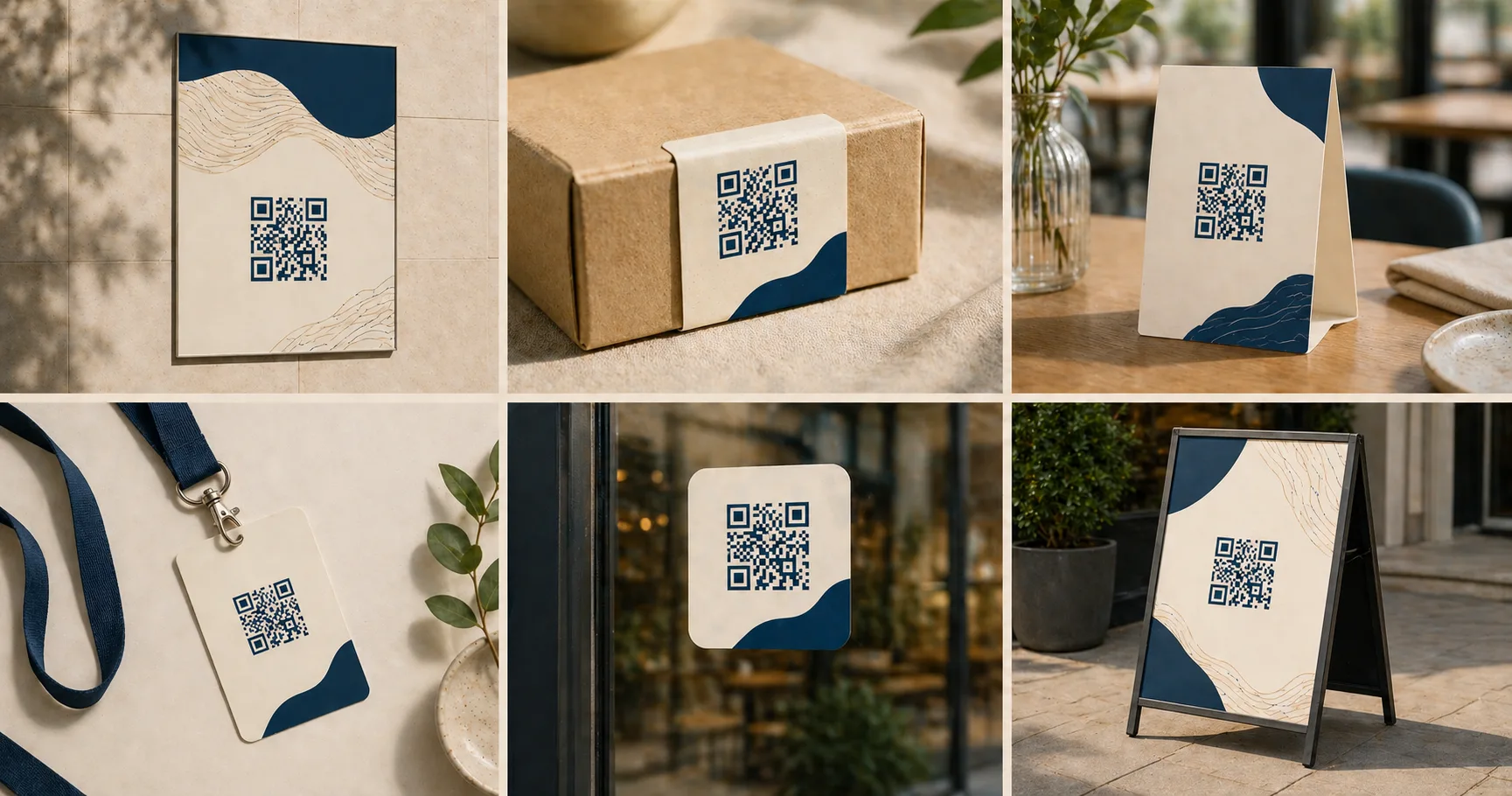
A QR codeA 2D matrix barcode that encodes data in a square grid of black and white modulesA single black or white square in the QR grid. The number of modules per side scales with the QR versionThe size of a QR code, numbered 1 (21×21 modules) through 40 (177×177). Higher versions store more data but require more printed space. Read more →, from 21×21 modules for version 1 up to 177×177 for version 40. Read more →. Read more → is a printed pattern of dark and light squares that encodes data a phone camera can decode in under a second. The format only earns its place when it shortens the gap between a physical moment and a digital next step. A poster becomes a landing page, a menu becomes an ordering flow, a business card becomes a saved contact. One scan, one fewer thing to type.
The patterns below cover where that swap pays off, where it backfires, and the small implementation details that decide which way it goes.
Marketing and landing pages
Flyers, posters, product shelves, and storefront windows all carry one structural problem: the reader has a phone in their pocket and no way to type the URL you want them to visit. A QR code closes that gap. It’s the most popular use because the underlying need is universal: converting a printed surface into a tappable link.
The mistake teams usually make is sending every campaign QR to the homepage. That guarantees a wasted scan. Someone interested enough to scan a poster has already self-selected as high-intent; the page they land on should match that intent precisely. A “fall jacket” poster should land on the fall jacket category, not the home page with seventeen other things competing for attention.
A few details that change scan rates more than people expect:
- Eye level placement. A QR at knee height on a sandwich board gets a fraction of the scans the same code gets at chest height. People won’t crouch.
- Quiet space around the code. Other graphics or text touching the QR’s outer modules confuse some scanners. A four-module margin on every side is the safe default.
- A short call-to-action above or below. “Scan for the fall lookbook” outperforms a naked QR by a wide margin because most readers won’t scan a code with no stated reward.
- Print-size testing. A QR that scans cleanly on a designer’s monitor at 200% zoom can fail at the actual 25mm size on a flyer. Always print a proof and scan it from the distance and lighting the customer will use.
For most campaign work, generating a PNG from a URL is the right starting point: full-color preview, no signup, no watermark. The size and print guidelines cover module sizing for different distances.
Menus, ordering, and hospitality
Restaurants, cafes, hotels, and bars adopted QR menus during the pandemic and kept them because the math holds up. Reprinting a 12-page menu costs $40-200 per restaurant per change; updating a hosted menu page costs nothing. Even venues that returned to physical menus often keep a QR-accessible version for daily specials, allergens, and translations.
The single biggest quality issue is linking to a PDF. PDFs render painfully on phones, with pinch-zooming through pages of food no one wants to read squinting at. Always link to a mobile-optimized HTML page. If the menu has 80 items, paginate or section-link. The destination should look like a web page, not a print artifact.
Two implementation rules earn their keep:
- Keep the URL stable. If the QR is laminated onto 200 table tents, the URL printed in those codes is now part of your operational debt. Switching menu platforms a year later means either reprinting every tent or routing the old URL through a redirect you control. Route through a redirect from day one.
- Test in the actual lighting. Restaurants are dim. Codes that scan instantly in office lighting can struggle on a candle-lit table. Increase contrast, raise the error correction level to M or Q, and test at the actual table.
The restaurant menu playbook and cafe playbook cover deployment in more depth, and the hotel playbook extends the same patterns to room placards and concierge cards.
Events and check-in
Events have two distinct QR moments: pre-event (tickets emailed to attendees) and on-site (badges, signage, sponsor booths). They have different failure modes.
Pre-event tickets need to scan from a phone screen at the door. That sounds trivial until you realize that phones at maximum brightness with a fingerprint smudge in dim morning light are harder to scan than printed paper. Three things make it work: dark code on a light background (never the opposite), no busy graphics behind the code, and a backup ticket ID printed below the QR for manual lookup when scanning fails. It will fail occasionally. Plan for it.
On-site signage gets scanned from queues. The code needs to be physically big enough to scan from two or three meters back as people approach: usually 10cm minimum on a printed sign at standing reach, larger if it’s mounted high. The event check-in playbook and the event organizer playbook cover both badges and venue signage.
A useful split test for any event: print the code at two sizes on different signs and watch which queue moves faster.
Packaging and product support
A QR on a product label is doing one of three jobs: setup, support, or authentication. Each has different durability requirements.
Setup QR codes get scanned once, in the first week the product is unboxed. They can point to a video, a getting-started guide, or an app deep link. Failure here usually comes from putting the QR somewhere physically awkward: a curved shampoo bottle, a folded box flap, a glossy reflective label. Plan the QR location in the package design phase, not as an afterthought.
Support QR codes get scanned years after purchase, when something breaks. The destination URL must remain valid for the product’s full lifecycle. A consumer appliance might be in use ten years after manufacture. If the support page moves, every old unit becomes a dead end. The fix is a stable, brand-owned redirect URL, not a third-party shortener that might disappear.
Authentication QR codes verify the product is genuine. They typically encode a unique serial number and link to a check page. These need to be tamper-evident; a sticker that peels off cleanly is worse than no sticker at all. The retail packaging playbook covers production-grade label design.
For all three, the destination page must load fast on mobile data, sometimes from inside a store with poor signal. Heavy JavaScript bundles and uncompressed images turn a five-second action into a fifteen-second wait.
Wi-Fi and contact sharing
A Wi-Fi QR is the highest-utility QR you’ll ever ship. Typing a 16-character random password into a phone keyboard is genuinely awful, and replacing that with a single scan creates real customer goodwill. The guest Wi-Fi playbook and the Wi-Fi best practices guide cover the security and operational side.
Three rules:
- Always use a guest network, never your operational network. A QR code printed on the wall is publicly accessible by definition.
- Verify the SSID and password character-for-character before printing. A wrong character means every scan fails silently and customers blame the network. Generate the QR, scan it with a different phone, and confirm the connection works end-to-end before any reprinting.
- Use WPA2 or WPA3 encryption. Open networks trigger “unsecured network” warnings on modern phones, which scares non-technical guests away from connecting.
For contact sharing, phone-number QRs, email QRs, and SMS QRs each suit different scenarios. The email/phone/SMS guide covers each in detail.
Payments, reviews, and support
These three live together because they share a structural pattern: the QR is presented at a moment of completed action, and the goal is converting that completion into a follow-up step.
Payments are the most demanding because trust matters. The page the customer lands on must clearly display the business name and the actual domain. A scan that drops the user on a generic-looking checkout page with no business identity creates real hesitation, and rightly so. Phishing attacks via fake QR stickers are a documented problem. The payment links playbook covers branded checkout flows.
Review requests work best in the 30-60 minute window after the service completes. A QR on the receipt of a salon visit, the table-side payment screen of a restaurant, or the discharge paperwork of a clinic catches the customer while the experience is still vivid. Don’t print a review QR on something the customer takes home and discovers later. By then the moment has passed. The customer reviews playbook covers timing and platform-specific patterns.
Support QRs live on equipment, in lobbies, and inside packaging. A help-desk QR on a hotel room placard or a coworking space’s printer turns “how do I get help” from a wayfinding problem into a scan. The destination should be a page, not a phone number. Pages can route to chat, FAQ, or a callback form depending on the issue, while a tel: link forces every problem into the same channel.
Industry-specific playbooks
Beyond the use-case patterns above, each industry has rollout details that don’t generalize. The curated playbooks cover the placement, signage, and operational nuance specific to common deployment contexts.
Hospitality and food service:
- Hotel room service and digital concierge for in-room signage tied to property-management systems and 24-hour service flows.
- Cafe loyalty programs for repeat-visit punch-card alternatives and counter-side ordering.
- Restaurant tableside payment for split-the-check and server-handoff workflows that complement the restaurant menu playbook.
- Salon post-service rebooking for the 90-second checkout window when rebooking rates are 4-6x higher than email follow-up.
Healthcare, education, and member services:
- Clinic patient intake for HIPAA-compliant intake forms, EHR integration patterns, and prescription-refill flows.
- Gym class booking and equipment QR for class signups, equipment-side instruction videos, and locker-room app deep-links.
- School parent communication for event RSVPs, lunch menus, and parent-teacher conference scheduling with district-mandated tools.
Retail, packaging, and high-asset products:
- Retail packaging for shelf-edge engagement and post-purchase support over multi-year product lifecycles.
- Auto-dealer vehicle stickers for per-VIN windshield codes that link to specs, financing pre-approval, and test-drive booking.
- Business cards for vCardA standard text format for contact information (name, email, phone, address, organization) defined by RFC 6350. Read more → or personal-domain QR codes; the business card QR vs Linktree comparison covers the trade-offs.
Workspace and shared venues:
- Coworking guest access for member-vs-guest tiered Wi-Fi, room booking, and community-board flows.
- Real estate flyers for open-house workflows, virtual tours, lead capture, and agent attribution.
Conversion and lead generation:
- Payment links for invoice and counter-side payment flows with branded checkout.
- App downloads for deferred deep linking and platform-aware install routing.
- WhatsApp lead capture for pre-filled-message lead entry that bypasses form friction.
- Event check-in for ticket validation and queue management.
- Event sponsor activation for sponsor-booth scan-to-lead workflows distinct from gate flow.
For broader context, the best uses of QR codes in business guide walks through the eight highest-ROI categories with deployment patterns, and the QR code statistics page covers verified adoption and engagement data behind these scenarios.
Which payload type is right?
Each use case maps to a specific QR payload:
| Use case | Payload type | Why |
|---|---|---|
| Marketing, menus, events, packaging | URL | Opens any web page, including booking flows |
| Network access | WiFi | Joins the network without typing the password |
| Direct call | Phone (tel:) | Opens the dialer with the number pre-filled |
| Pre-filled text | SMS (sms:) | Opens the messaging app with body and number |
| Email request | Email (mailto:) | Opens the mail composer with subject and body |
Fast QR generates all five types from dedicated tools: URL to PNG, URL to SVG, Wi-Fi to PNG, phone to PNG, SMS to PNG, and email to PNG. For visual examples of every payload type with the literal encoded string each one carries, see the QR code examples gallery. For the broader catalog of deployment-specific guides, the use-case index maps each scenario to the relevant playbook.
The QR code versus barcode comparison helps distinguish a phone-facing link from a product-identification label. The benefits guide explains where avoiding manual entry is useful.
Sources
- Wikipedia — QR code (Uses) — Catalog of common QR applications across consumer and industrial contexts.
- Denso Wave — Examples of QR Code use — Real-world QR deployments documented by the QR inventor.


What we recommend for editable QR
Most use cases above (campaigns, events, packaging, menus) need editable destinations. Until our Smart QR is ready, t.ly is what I'd reach for — branded short domains, redirect editing, and scan analytics in one place.