
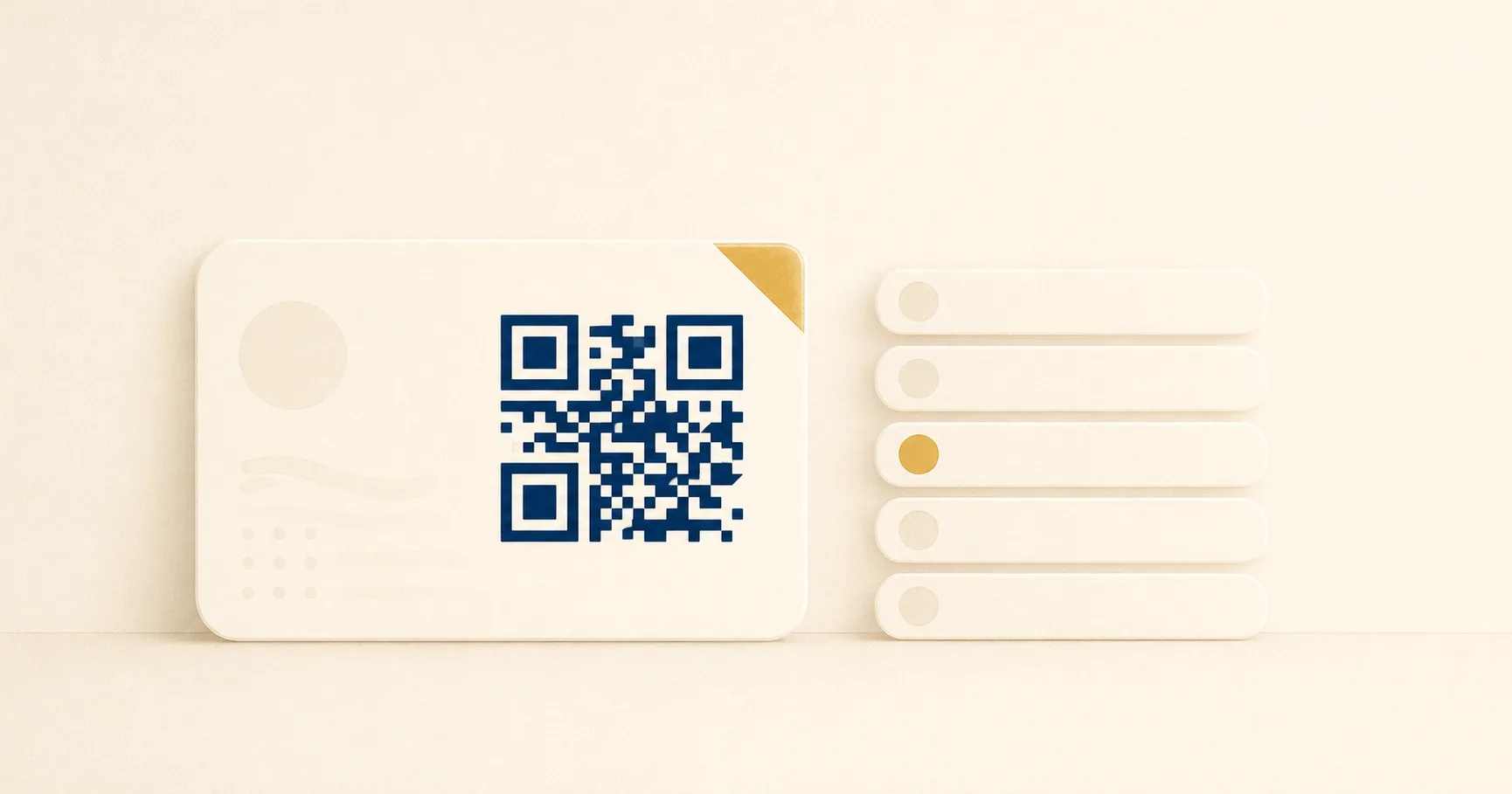
Networking events are the test case. You hand someone a card, they pull out their phone, and within a few seconds they need to land somewhere useful. A QR codeA 2D matrix barcode that encodes data in a square grid of black and white modulesA single black or white square in the QR grid. The number of modules per side scales with the QR versionThe size of a QR code, numbered 1 (21×21 modules) through 40 (177×177). Higher versions store more data but require more printed space. Read more →, from 21×21 modules for version 1 up to 177×177 for version 40. Read more →. Read more → on the back of a printed business card can encode a vCardA standard text format for contact information (name, email, phone, address, organization) defined by RFC 6350. Read more → so the contact data drops straight into the recipient’s phonebook, or a personal site URL, or a Linktree-style page that aggregates several destinations. Each path has different trade-offs around control, durability, and brand. Picking wrong means either reprinting cards, paying for a tier you outgrew, or watching scans dead-end at a domain that lapsed two years ago.
This guide compares the three patterns side by side and recommends the one that survives a job change, a vendor pricing shift, and a designer who wants the back of the card to look right.
Quick verdict: which to use
Use a vCard QR code when:
- The single most useful action after the scan is saving you to the phonebook.
- Your role and contact details are stable enough that a reprint is unlikely soon.
- You want the experience to work without any internet round-trip after the scan.
Use a Linktree-style aggregator when:
- You need to point at several destinations (portfolio, LinkedIn, GitHub, calendar, podcast) from one scan.
- You are willing to accept a third-party brand on the landing page.
- You expect to swap which links matter every few months.
Use your own domain when:
- The card is part of a professional identity you plan to control for years.
- You want analytics, the ability to update without reprinting, and no third-party logo.
- A small annual domain fee and a single static page are within your tolerance.
The third option is the one most working professionals end up at after their first round of cards. The rest of this guide explains why.
Side-by-side comparison
| Dimension | vCard QR (static) | Linktree-style aggregator | Own-domain short URL |
|---|---|---|---|
| Primary action after scan | Add contact to phonebook | Pick from several links | Whatever your page offers |
| Updateable after printing | No | Yes | Yes |
| Works offline after scan | Yes | No | No |
| Analytics on scans | Limited or none | Built-in | Yours, via your host |
| Branding on landing | None — phone UI | Vendor brand visible on free tier | Fully your own |
| Vendor lock-in | None | Significant | Only domain registrar |
| Recurring cost | None | Free or paid tiers | Domain renewal only |
| Failure if vendor changes terms | Not applicable | All cards affected | Not applicable |
The single biggest split is on the “updateable after printing” row. A vCard encoded directly into the QR code is, by design, a static QR — the contact data lives inside the printed pattern of black-and-white squares and cannot be rewritten without printing a new card. Both URL options sit on a server you can edit. That property cascades into everything else: how a job change feels, whether you can run analytics, and whether a vendor’s roadmap can affect you.
Best choice by scenario
Sales rep who changes companies every two years. Use a personal-domain URL pointing to a /contact page. Update the page each role change. Cards from previous employers still resolve to your current details if you keep ownership of the domain.
Designer or developer with a portfolio, GitHub, and Dribbble. Use either a personal domain or a Linktree-style page. The aggregator format fits naturally because the audience expects a menu rather than a single contact action. If brand control matters, a personal domain wins.
Real estate agent with a stable office and listings page. A vCard QR is fine if the office number and email are durable. Pair it with a printed listings URL and you cover both jobs. Reprints already happen on a normal cycle for new headshots and listings.
Founder pitching at a conference. Personal domain. A pitch context rewards control over every pixel of the landing experience and the ability to swap out which deck or product page sits behind the scan as the company evolves.
Speaker handing out cards after a talk. Aggregator or personal domain. Audiences expect a follow-up menu — slides, video link, mailing list, social. A bare vCard misses the moment.
Trades professional such as a plumber, electrician, or contractor. A vCard QR works well here. The audience scans, saves the number, and calls. A landing page adds friction without a clear benefit.
The pattern in every scenario is the same: pick the option that matches the most likely next action. If that action is “save the number,” vCard is the cleanest experience. If that action is “explore a few things,” a URL wins.
Failure modes for each
Where vCard QR codes break
Permanence. The contact data is baked into the printed image. New job, new phone number, new title means every card already in circulation hands out wrong information. Reprints are the only fix.
Field length. Comprehensive vCards with multiple addresses, social profile URLs, and an embedded photo balloon the encoded payload, which forces a higher QR version with more modules. The code prints denser, becomes harder to scan from a few feet away, and can hit the limit of a standard business-card footprint.
App inconsistency. iOS and recent Android camera apps handle vCards cleanly. Older Android camera apps and many third-party scanner apps surface the raw BEGIN:VCARD text and ask the user to copy it manually. The drop-off is not catastrophic but it is real.
No analytics. A static vCard contains the data itself with no server in the loop. There is nothing to log, so there is no way to know whether the cards you printed are being scanned at all. For most personal use that is fine. For sales attribution it is a problem.
Where Linktree-style aggregators break
Vendor lock-in. Every card you print embeds a third-party domain into the scan. If the platform raises prices, removes a feature, or shuts down, your printed cards inherit the change. There is no way to repoint a printed code.
Brand and trust. A linktr.ee subdomain in the corner of the landing page is fine for influencers. For a senior consultant, lawyer, or executive, the third-party brand can read as casual when the audience expected professional polish. Some aggregators offer paid tiers that hide their branding, which adds recurring cost.
Free-tier ceilings. Free plans cap link counts, restrict layout choices, and gate analytics behind the paid tier. The card you printed on the free plan may not match what you can actually offer two years in.
Outage scope. When the aggregator goes down, every card you printed lands on an error page at the same time. The blast radius is the entire batch.
Where personal-site QR codes break
Domain lapse. If the registration expires or the credit card on file fails, every card prints out a dead destination. This is the failure mode that tends to surprise people years later. Auto-renew on the registrar account is the obvious mitigation.
Hosting reliability. A static page on a managed host is close to bulletproof, but a self-hosted server, a misconfigured DNS record, or an SSL certificate that lapsed during a vacation can take the page offline at the worst possible moment.
Maintenance drift. A contact page that nobody updates after the first launch ages quickly. Outdated links and stale copy on a personal domain feel worse than the same content on a third-party platform because the audience holds you, not the platform, responsible.
The honest summary: each option breaks differently. The vendor option breaks because of someone else’s decisions. The vCard breaks because of permanence. The personal site breaks because of neglect. Choose the failure mode you can manage.
How to implement either
vCard QR
A vCard is a plain-text format defined in the open VCF specification. The minimum useful payload is a few lines:
BEGIN:VCARD
VERSION:4.0
FN:Jane Doe
ORG:Example Co
TITLE:Senior Engineer
EMAIL:jane@example.com
TEL:+15551234567
URL:https://janedoe.example
END:VCARD
Encode that block with any QR generator that accepts free text. Print at a resolution where each module is comfortably wider than the limits in the size and print guidelines, and keep a clean quiet zone of four modules around the perimeter. Test the printed card with both an iPhone and a recent Android device before signing off the print run, since rendering quirks differ across decoders.
Linktree-style aggregator
Sign up, add three to five links, copy the resulting URL, and encode it. The QR code itself is trivial — the work is in the platform configuration and the brand decisions. Keep the link list short. A cluttered aggregator page performs worse than a focused one. If the platform offers analytics, decide upfront whether you trust their counts as your source of truth or whether you also need a redirect on your own domain in front of the aggregator URL for cross-vendor portability.
Own-domain short URL
Buy a domain. Point it at a static-site host (Cloudflare Pages, Netlify, Vercel, GitHub Pages, Firebase Hosting). Build a single page at a short slug like /c or /me that lists your contact methods and a “save to phone” link to a hosted .vcf file. Encode the resulting URL into the QR code. Add a redirect from the bare domain to the same page. The static page is small enough that an LLM can write it for you in a few minutes; the durable part is owning the domain.
For straight URL-based workflows, the URL to PNG generator produces a printable QR code in one step. Pair it with the tracking guide if you want analytics, and the business cards playbook for layout patterns that match the typical 85x55 mm card stock.
Frequently asked questions
Can I combine a vCard and a Linktree on one card? Two separate codes on a single card scan poorly because the camera struggles to lock onto either. A better pattern is one QR pointing at your own page that offers both a “save contact” button and a “more links” section.
What about NFC instead of QR? NFC works phone-to-phone and avoids the visual real estate a QR code takes. The trade-off is reduced range, no fallback when the recipient’s phone has NFC disabled, and a higher cost per card because of the embedded chip. QR is still the safer default for general use.
Do I need an app to generate the QR code? No. Any web-based generator that accepts free text or URLs is fine. The output of a free generator is identical to the output of a paid one for the same payload at the same error correctionMathematical redundancy built into every QR code that lets it scan correctly even if part of the matrix is damaged, dirty, smudged, or covered (for example by a logo). Read more → level. The premium tools sell tracking, branding, and management features rather than better codes.
How do I know if my vCard payload is too long? If the resulting QR code looks visually dense at business-card size, with hard-to-distinguish modules, the version is too high for the print scale. Drop optional fields (notes, photo, secondary addresses) until the code prints cleanly at 20 mm square.
Sources
- Wikipedia — vCard — Background on the VCF format, file extensions, and field structure used by every contact-card QR code.
- IETF RFC 6350 — vCard 4.0 — Primary specification for the current vCard version, including the exact field names and encoding rules.
- Denso Wave — About QR Code — Original QR specification background from the format’s inventor, including capacity and version tables relevant to vCard payload sizing.