
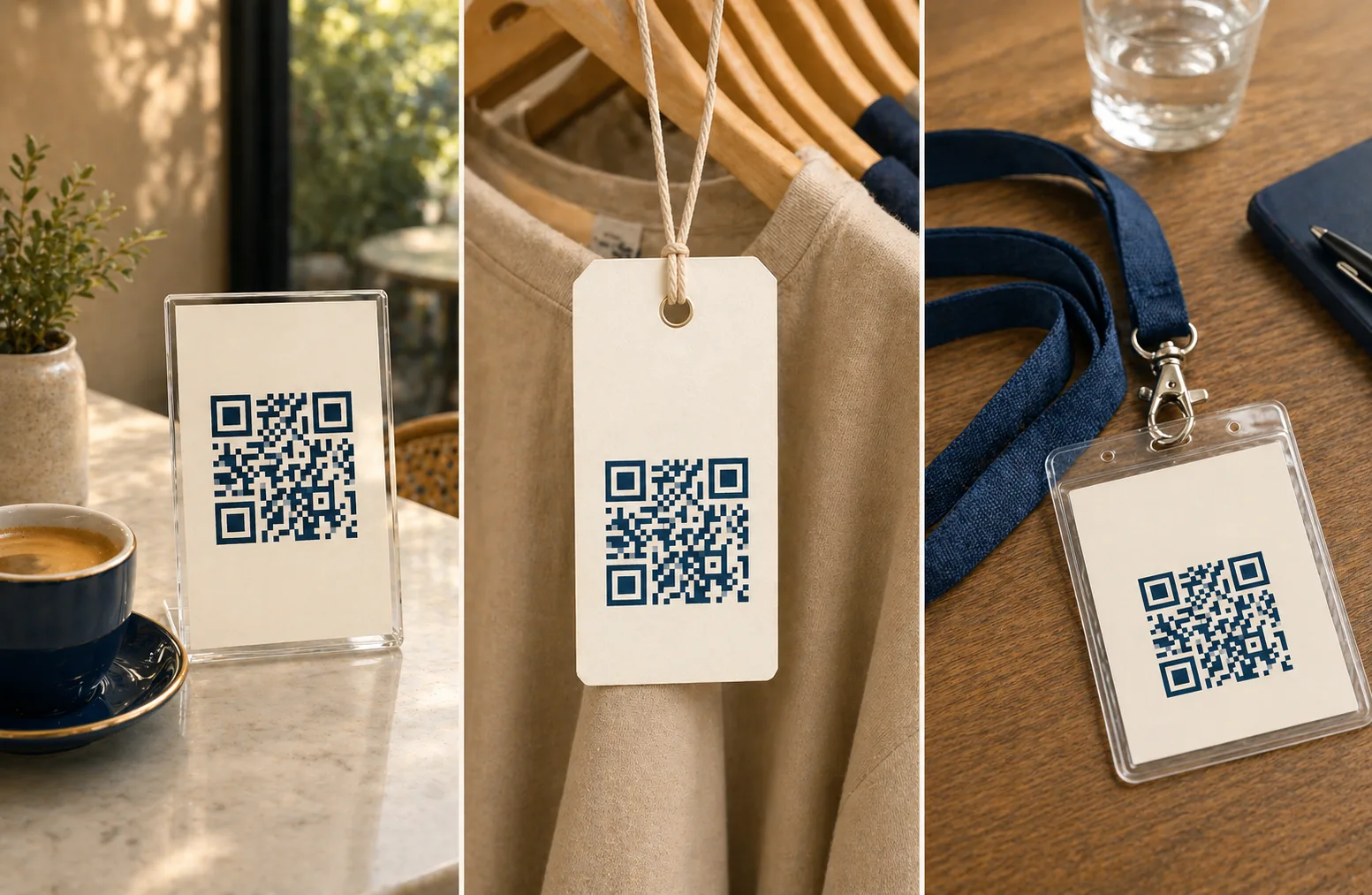
A QR codeA 2D matrix barcode that encodes data in a square grid of black and white modulesA single black or white square in the QR grid. The number of modules per side scales with the QR versionThe size of a QR code, numbered 1 (21×21 modules) through 40 (177×177). Higher versions store more data but require more printed space. Read more →, from 21×21 modules for version 1 up to 177×177 for version 40. Read more →. Read more → is a tactic, not a strategy. The strategy is the workflow it slots into: what the user is doing the moment they scan, what they expect to happen next, and whether the destination page actually delivers that. Get the workflow right and a QR earns its real estate. Get it wrong and you’ve printed an expensive black-and-white square that no one taps.
This guide covers the eight business use cases where QRs consistently pay back the print cost, the deployment patterns that make each one work, and the gotchas that quietly kill scan rates.
Why intent matters more than placement
The strongest QR deployments share one trait: the user already wants the next step before they see the code. The QR just removes a typing step.
Strong-intent moments include:
- Standing in front of a product: packaging, shelf signage, comparison kiosks
- Waiting in a queue: event entry, ticket validation, self-service kiosks
- Looking at a menu or price list: restaurant tables, takeaway counters
- Holding an invoice or receipt: payment, reorder, support
- Actively asking for help: service desk, troubleshooting card, equipment label
Weak-intent moments include billboards on highways, posters in subway tunnels with bad reception, and any context where scanning is just satisfying mild curiosity. The scan exists, but the conversion to a meaningful action collapses. Think hard about what the scanner is doing the second before they raise their phone.
Marketing campaigns and landing pages
Posters, flyers, in-store displays, and storefront signage are the canonical QR placement. They work when the page behind the code matches the promise of the print copy.
Concrete placements that perform:
- A storefront poster pointing to “today’s offer”
- An event banner pointing to the schedule
- A shelf-edge talker pointing to product comparisons
- A menu insert pointing to a wine pairing guide
What separates the campaigns that work from the ones that don’t:
- Match the destination to the print copy. A “10% off jeans” poster should land on a jeans page with the code already applied, not a homepage. Every additional click between scan and payoff sheds users.
- One QR, one campaign. Don’t reuse the same code across a poster, a flyer, and a window sticker if you want to know which placement worked. Use distinct URLs with UTM parameters per surface.
- Test the load time on cellular. A scanner inside a department store basement may have one bar of LTE. If the landing page is 4 MB of unoptimized hero video, the scan is dead before the page renders.
Microcopy near the code matters more than people expect. Try formats like “Scan to see sizes and availability,” “Scan for the full menu (3 seconds),” or “Scan to claim 10% off today.” Specificity outperforms vague promises every time.
Menus, ordering, and hospitality
Restaurants, cafes, hotels, and bars use QR codes to share menus, room information, service requests, and payment flows. The economics are straightforward: a hosted menu costs nothing to update, while reprinting laminated menus costs $40-200 per refresh per venue.
The reliability work is mostly physical:
- High-contrast printing. Menus get scanned in dim lighting. Use solid black on white, never colored backgrounds at low contrast.
- Avoid glossy lamination. Reflections from overhead lights wash out the image. Matte lamination scans better.
- Add a fallback URL in small print. When the scan fails on older phones in poor light, a typeable short URL keeps the customer in the flow.
- Standardize SSID and URL across signage. Customers move from a table to the bar to the patio. The code on each surface should land them in the same place.
Hospitality teams typically start with the guest Wi-Fi and restaurant menu playbooks, then layer on hotel and cafe variants once the basics are running.
Payments and invoices
Payment QRs live on invoices, receipts, counter signs, and field-service paperwork. They turn a payment from “find the website, log in, type the invoice number” into a single scan.
The destination page must do two specific jobs:
- Land on the actual payment page, not a homepage that requires the user to navigate. A scan that requires three more clicks is a payment that doesn’t happen.
- Display trust signals immediately: the business name, the domain, the invoice or amount being paid. Counterfeit QR stickers on parking meters and storefront signs are a real attack vector. Customers are getting more cautious; the page should reassure them on first render.
For recurring billing, prefilling the customer ID or invoice reference in the URL eliminates a step where users mistype their account number. The payment links playbook covers the design and security details.
Reviews and feedback collection
Review QRs work best in the post-purchase window: the 30-60 minutes after a service completes, when the experience is fresh. Examples that consistently produce reviews:
- Salon checkout receipt, where the QR is presented while the customer is still chatting with the stylist
- Restaurant payment screen, where the QR appears immediately after the bill is settled
- Clinic discharge paperwork, presented at the front desk before the patient leaves
- Real-estate viewing card, handed at the end of a property tour
What improves review quality, not just quantity:
- Time the ask. Asking the next morning means the customer has moved on emotionally.
- Set expectations on the landing page. “This takes 30 seconds. We read every one.” reduces drop-off.
- Keep the form short. Save longer surveys for an email follow-up to people who already left a star rating.
- Don’t game the platform rules. Google and Yelp both penalize “review gating,” the practice of sending happy customers to one platform and unhappy ones elsewhere. Send everyone to the same place.
The customer reviews playbook covers platform-specific patterns and timing variants.
Support and self-serve troubleshooting
Support QRs are underused because their ROI is operational, not marketing. A well-designed support destination deflects routine support tickets: fewer phone calls, fewer “where do I find the manual” emails, fewer warranty questions answered by hand.
Where they earn their keep:
- Device labels linking to a setup guide, scaled to the model
- Quick-start cards linking to a troubleshooting checklist
- Equipment tags linking to a reorder or service-request page
- Service desks linking to chat or a ticket form
The pattern that works is treating the destination as a router, not an answer. The page asks “what’s happening?” and routes the user to the right next step: FAQ, video, chat, or callback. A flat phone number forces every problem through the same expensive channel.
Product packaging and post-purchase onboarding
Packaging QRs live longest of any business QR. A customer might scan a setup QR three minutes after unboxing or three years after, when something breaks. Both must work.
The biggest operational risk is URL drift. If you encode support.brand.com/setup-guide on packaging that ships for the next two years, that URL is now load-bearing infrastructure. Moving the page later silently kills every old scan. Two ways to manage this:
- Use a brand-owned redirect domain like
qr.brand.com/quickstartthat you control, and point the redirect at whatever current URL serves the page. The packaging never changes; the redirect does. - Treat the printed URL as a long-term commitment, the same way you would a printed phone number. Pages move; the QR’s encoded URL doesn’t.
The retail packaging playbook covers durability, label production, and authenticity-check patterns.
Events: check-in, schedules, maps, and lead capture
Events are QR-friendly because attendees are already in scan mode the moment they walk through the door. Common deployment points:
- Entrance signage for check-in or session start
- Badge QRs for ticket validation, lead capture, and networking apps
- Booth QRs for sponsor lead capture, pulling visitor contact info into a CRM
- Floor maps and schedules linked from session signage
The two failure modes that kill events are throughput and connectivity. A 600-person check-in queue with a QR that takes four seconds to validate creates a 40-minute backup. A venue with patchy LTE and lead-capture QRs that depend on a real-time API call breaks at exactly the moment exhibitors need it most. Plan for both: cache check-in data on-device, and design lead-capture forms to work offline and sync later.
The event check-in playbook and event organizer playbook cover the operational side.
Internal operations and back-of-house
Internal QRs are the unglamorous, highest-ROI deployment most businesses don’t think to ship. Examples:
- Storage room door linking to a restock checklist
- Machine label linking to the safety procedure or maintenance log
- Back-of-house poster linking to a shift handoff form
- Kitchen station linking to the prep recipe for the day’s special
- Coworking printer linking to the setup guide or jam-clearing video
Internal QRs don’t need fancy branding. They need durability. A laminated thermal-printed code on a service door will outlive the door. Use high contrast and oversized modules. Skip the logos. The coworking playbook and gym playbook include internal QR patterns adapted to those venue types.
Picking the destination page
A QR code is constrained by what’s at the other end. The destination needs four properties to convert at scale:
- Mobile-first by default. Most scans happen on phones; desktop styling is irrelevant.
- Fast first paint. Heavy hero images and slow JavaScript bundles kill scans. Aim for under two seconds on 4G.
- Single primary action. Remove competing CTAs. The user came from a specific physical context; the page should respect that intent.
- Stable URL. Once printed, the URL is part of your operational infrastructure.
For most starting points, generating a PNG QR from a URL and refining the destination iteratively is the fastest path. Vector formats from URL to SVG are better for large-format print where scaling matters.
Tracking what’s working
You don’t need a “dynamic QR platform” to measure scans. Unique URLs and analytics parameters cover the same ground without the subscription. Track at minimum:
- Scans by placement. Use distinct UTM tags or path segments per poster, per location, per surface type.
- Scan-to-action conversion. A scan that doesn’t complete the intended action (payment, signup, review) is just a vanity metric.
- Device mix. iOS and Android sometimes behave differently around captive portals, app deep links, and Wi-Fi prompts.
- Drop-off point. Page load, form step, checkout. Knowing where users abandon tells you which step to fix next.
The scan tracking guide walks through the full setup. For deeper background on how QR codes encode data and what error correctionMathematical redundancy built into every QR code that lets it scan correctly even if part of the matrix is damaged, dirty, smudged, or covered (for example by a logo). Read more → buys you in the field, the error correction explainer and the static vs dynamic comparison are useful follow-ups.
Industry-specific extensions
The eight categories above cover most deployments, but a handful of industries run distinctive variants worth their own playbooks:
- Auto dealers run a per-vehicle QR pattern that doesn’t fit any other category. The auto-dealer vehicle stickers playbook covers windshield placement and VIN-linked URL design.
- Restaurants split their QR usage between menu access and payment, with the tableside payment playbook covering split-the-check and server-handoff flows that the menu playbook doesn’t.
- Service businesses with a defined post-service window do best with the salon rebooking playbook, which captures the 90-second checkout moment when rebooking rates run several times higher than later email follow-up.
- Schools have constraints other industries don’t: language accessibility, parents without smartphones, and FERPA-compliant URL design. The school parent communication playbook covers them in detail.
- Real-estate teams run open-house and listing-signage flows that warrant their own real estate flyers playbook.
- Comparison-decision pages help when teams are still picking the format: the QR vs NFC comparison, the PNG vs SVG file format guide, and the QR vs short URL comparison cover the most common forks.
Sources
- Wikipedia — QR code — Background on QR adoption in business and consumer contexts.
- Denso Wave — QR Code applications — Industry use cases curated by the inventor.
- EMVCo — QR Code Specifications — Standards behind the QR-based payment flows referenced in this guide.