
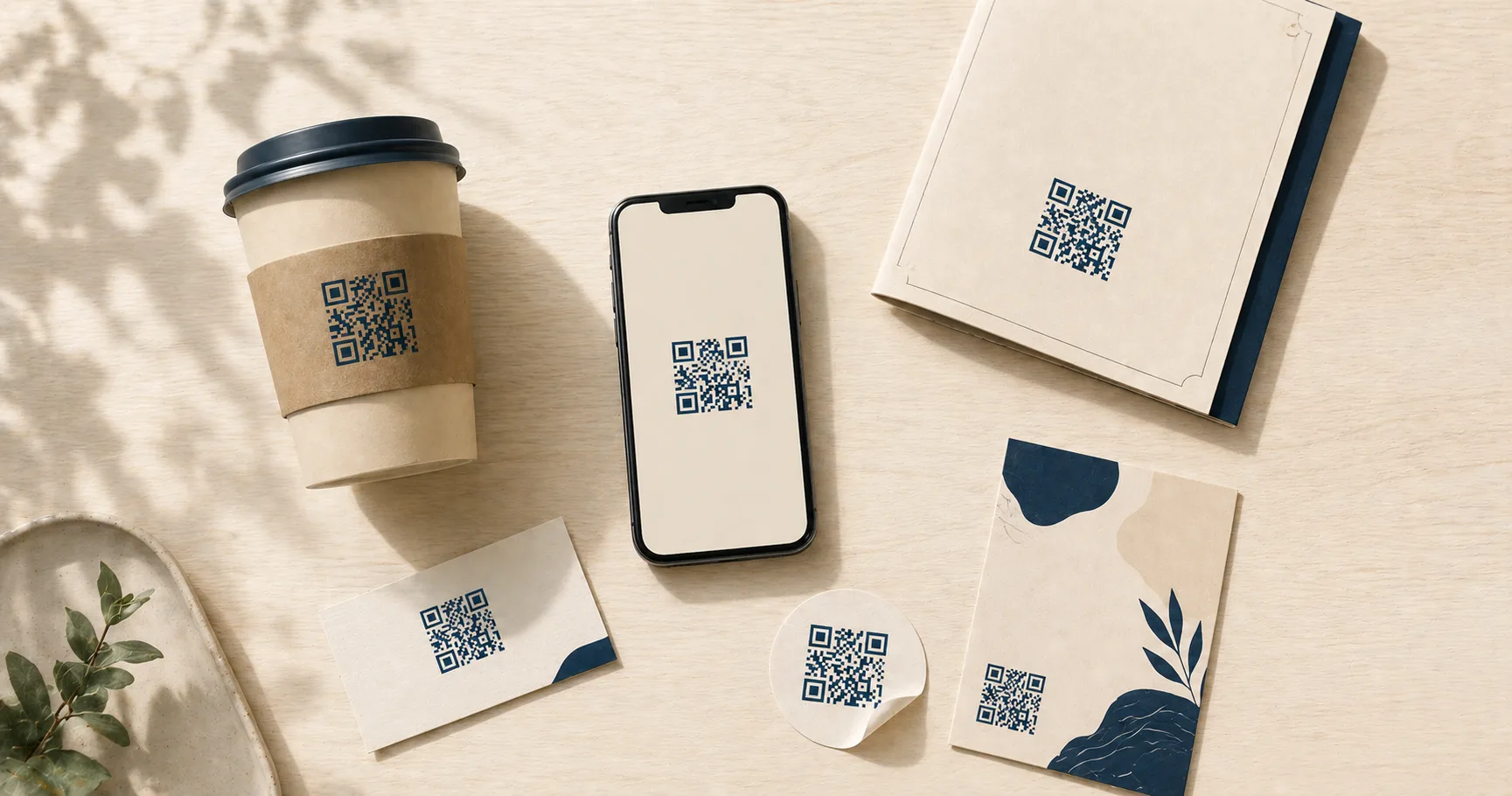
A QR codeA 2D matrix barcode that encodes data in a square grid of black and white modulesA single black or white square in the QR grid. The number of modules per side scales with the QR versionThe size of a QR code, numbered 1 (21×21 modules) through 40 (177×177). Higher versions store more data but require more printed space. Read more →, from 21×21 modules for version 1 up to 177×177 for version 40. Read more →. Read more → is a two-dimensional barcode you can print on any surface and scan with a phone camera. QR codes solve one specific problem well: they shorten the path between someone noticing something physical and acting on it digitally. A poster, a menu, a shipping label, a business card — any printed surface becomes a one-tap link to a URL, a Wi-Fi join, a phone call, or an email draft. The friction of typing, searching, or remembering goes away.
Generating one costs nothing. The tools are free, no account or subscription required, and a static QR codeA QR code where the destination is encoded directly inside the matrix. Once printed, the destination cannot be changed. Read more → works forever as long as its destination stays alive. That combination makes QR a useful tool for businesses tracking conversions and for individuals just trying to share their guest Wi-Fi without spelling out a password.
This guide walks through the practical benefits, organized by audience, and ends with the static-versus-dynamic decision that comes up for almost everyone.
Benefits for business
Turn offline attention into online action
Most marketing budgets fund attention in physical spaces — packaging, in-store signage, vehicle wraps, event booths, printed receipts, direct mail. The hard part has always been converting that attention into something measurable online. A QR code closes the loop. A customer interested in your offer points their phone, lands on a page you control, and you’ve turned a passive impression into a tracked session.
That matters more than it sounds. Without a scan-friendly bridge, you’re hoping people remember your brand long enough to type it into Google later. With one, the path is one tap.
Reduce friction in the customer journey
Typing a URL on a phone is annoying. Searching for a brand and picking the right result is worse, especially when competitors buy ads on your name. A scan skips both steps. The phone goes directly to the page you want — a booking flow, a menu, a sign-up form, a product detail.
Fewer steps generally means higher conversion. For example, a restaurant putting a QR code on table tents to drive Google reviews almost always sees more reviews than asking customers to “search for us on Google” in a thank-you note. The 30 seconds of typing was the entire barrier. See customer reviews for a deeper playbook.
Support campaign measurement
Even with static QR codes — no fancy redirect infrastructure — you can measure what’s working. The trick is using different destination URLs for different placements, or appending UTM parameters that your analytics tool reads.
Print 500 posters at three locations. Give each location a unique tracked URL. Now you know which neighborhood or store drove the most scans. Same idea for direct mail batches, trade-show booths, and seasonal campaigns. For deeper measurement, see how to track QR code scans.
Fit more information into less space
A 60-character URL on a business card looks awful and nobody types it. A small QR code in the corner holds the same destination and leaves the layout clean. Designers get their breathing room, the page hierarchy stays focused on the offer, and the action is one scan away.
Same logic applies to packaging, where surface area is finite and brand teams want every square inch for product copy and visual identity.
Use one format across many touchpoints
Once you’ve worked out a reliable QR workflow — sizing, contrast, file format, destination structure — the same approach scales across menus, business cards, in-store displays, package inserts, trade-show booths, and direct mail. There’s no per-channel reinvention. A code that scans on a 4x6 postcard scans on a 12-foot trade-show banner if you size the modules correctly.
For sizing rules by medium, see the size and print guidelines.
Make repeatable processes easy
After a team has produced a few campaigns, the workflow becomes routine: brand template, tested print sizes, vetted destination patterns. New codes ship in minutes, not days. That repeatability matters most for businesses running constant campaigns — restaurant chains rotating seasonal menus, retailers refreshing displays each month, event organizers handling weekly check-ins.
Benefits for personal use
Share details without typing
A QR code passes along a website, email, phone number, or Wi-Fi network without anyone spelling things out. Useful at gatherings, coworking spaces, in-laws’ kitchens, and anywhere meeting new people involves exchanging information. Generate a quick contact code for your phone with the phone-to-PNG generator or an email link with the email-to-PNG generator — the email, phone, and SMS QR use cases guide covers when each direct-action payload outperforms a website link.
Make guest Wi-Fi sharing painless
A printed Wi-Fi QR codeA QR encoding Wi-Fi credentials in the format `WIFI:T:WPA;S:NetworkName;P:password;;`. iOS and modern Android scan it from the camera and prompt to join the network without typing anything. Read more → beats reciting a 16-character random password every time a guest visits. The guest opens their camera, points it at the code, and the phone joins automatically. No typos, no apologetic re-reading of correct-horse-battery-staple-7, no quietly hoping nobody asks again.
Use the Wi-Fi-to-PNG generator to make one for the kitchen counter or the guest room. For the security and placement details, see QR code Wi-Fi best practices.
Lower the chance of input mistakes
Long URLs with tracking parameters, phone numbers with country codes, Wi-Fi passwords with mixed case and symbols — all easy to mistype. A scan eliminates the typo. Useful when accuracy matters: support call routing, exact URLs for forms, login codes that have to match.
Keep what you share appropriate
Only encode what people genuinely need. A QR code on public signage shouldn’t carry private account details, personal phone numbers, or anything you wouldn’t otherwise broadcast. The pattern itself isn’t encrypted, so anyone scanning sees the same thing. Match the payload to the venue.
Verify before opening unfamiliar codes
Modern phones show a preview of the destination URL before opening it. Take half a second to check. Watch for tampered stickers slapped over legitimate codes (a known scam pattern in parking lots and on parking meters). Stick to codes from sources you trust, and treat anything unexpected with the same caution as an unsolicited link in a text message. For a fuller safety primer, see are QR codes safe.
Help guests and family in seconds
Personal QR codes earn their keep at home: home Wi-Fi for visitors, a shared family photo album link, an event RSVP form, a contact card for a school directory. Print one, tape it to the fridge, and watch the same questions stop coming up.
Which is right: static or dynamic?
This is the decision almost every QR project hits eventually: encode the destination directly, or route through a redirect you can change later?
Static QR codes carry the destination directly inside the pattern. Free to generate, private (no third-party server in the loop), and they last forever. The catch: once printed, the destination is locked. If the URL changes, every printed copy is dead.
Static is the right choice for personal use, one-off business materials, and anything where the destination is genuinely stable — a homepage, a long-lived support article, a Google review URL, a Wi-Fi network you don’t plan to rename.
Dynamic QR codesA QR code that points to a short redirect URL controlled by a service. Read more → encode a redirect URL that you (or a vendor) own. The redirect can be repointed anytime without changing the printed code, and most dynamic services include scan analytics like timestamps, locations, and device types. Useful for long-running campaigns, A/B tests, and any printed material where the destination might evolve.
The catch with dynamic: you’ve added an operational dependency. If the redirect domain lapses or the vendor’s service shuts down, every code breaks. Vendor short links are particularly risky for materials with multi-year lifespans like vehicle wraps, building signage, or product packaging on the shelf for years.
For a deeper treatment of the tradeoffs, see static vs dynamic QR codes.
Fast QR generates static codes today. Editable redirects with scan analytics are on the roadmap.
Sources
- Wikipedia — QR code — Adoption history and where QR codes are used today.
- Denso Wave — QR Code applications — Examples of QR usage across industries from the original inventor.


What we recommend for editable QR
If you need editable redirects and scan analytics today (the static-vs-dynamic section above flags them as on our roadmap), t.ly is what I'd recommend in the meantime — branded short domains, redirect editing, and scan-by-channel attribution.